CAPTURE → PROCESS → UNDERSTAND

More than a flight.
A complete workflow.

A drone creates the opportunity to collect. A useful result comes from connecting capture, positioning, processing, quality review and delivery. Explore the process behind the file.

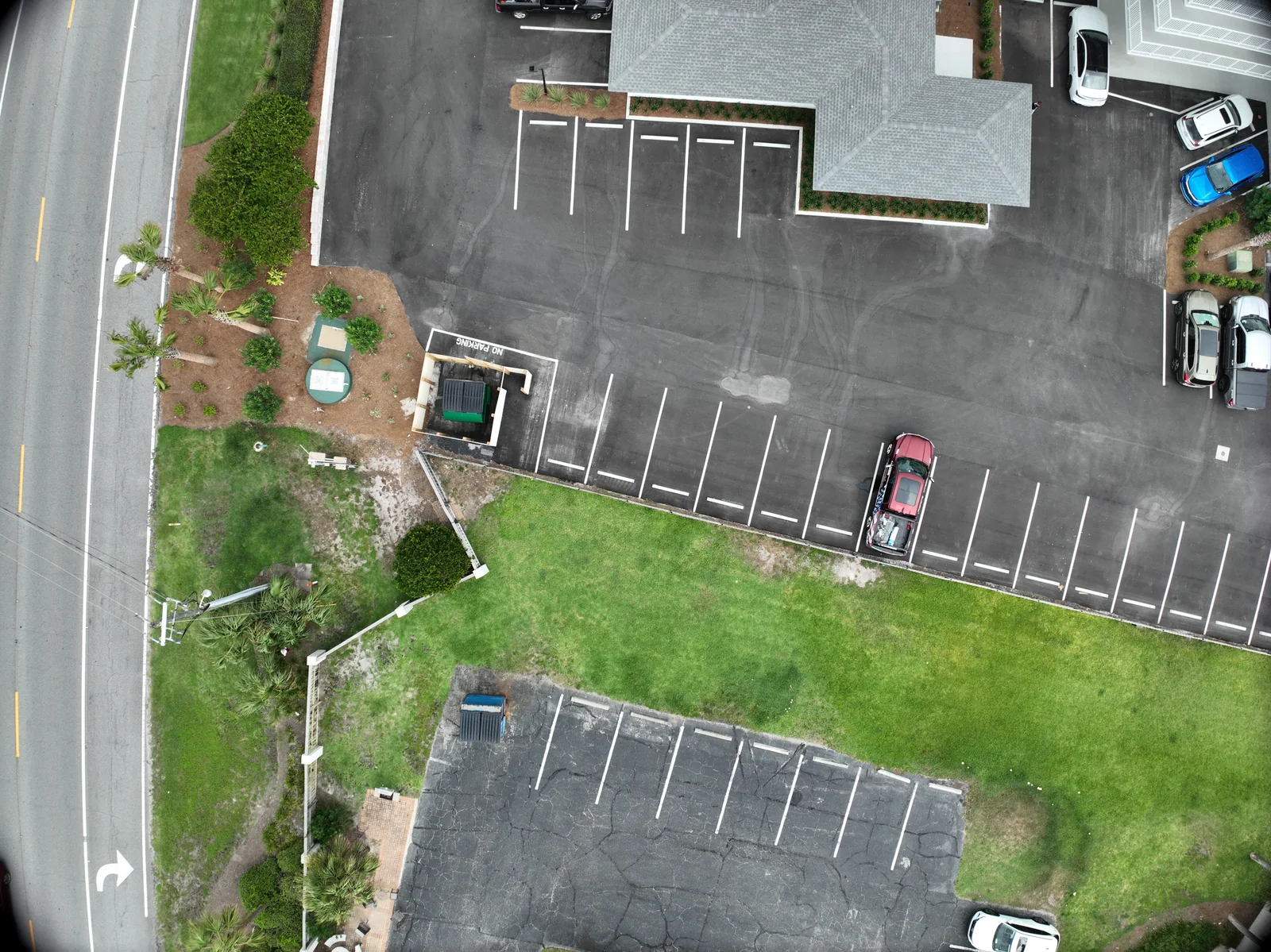
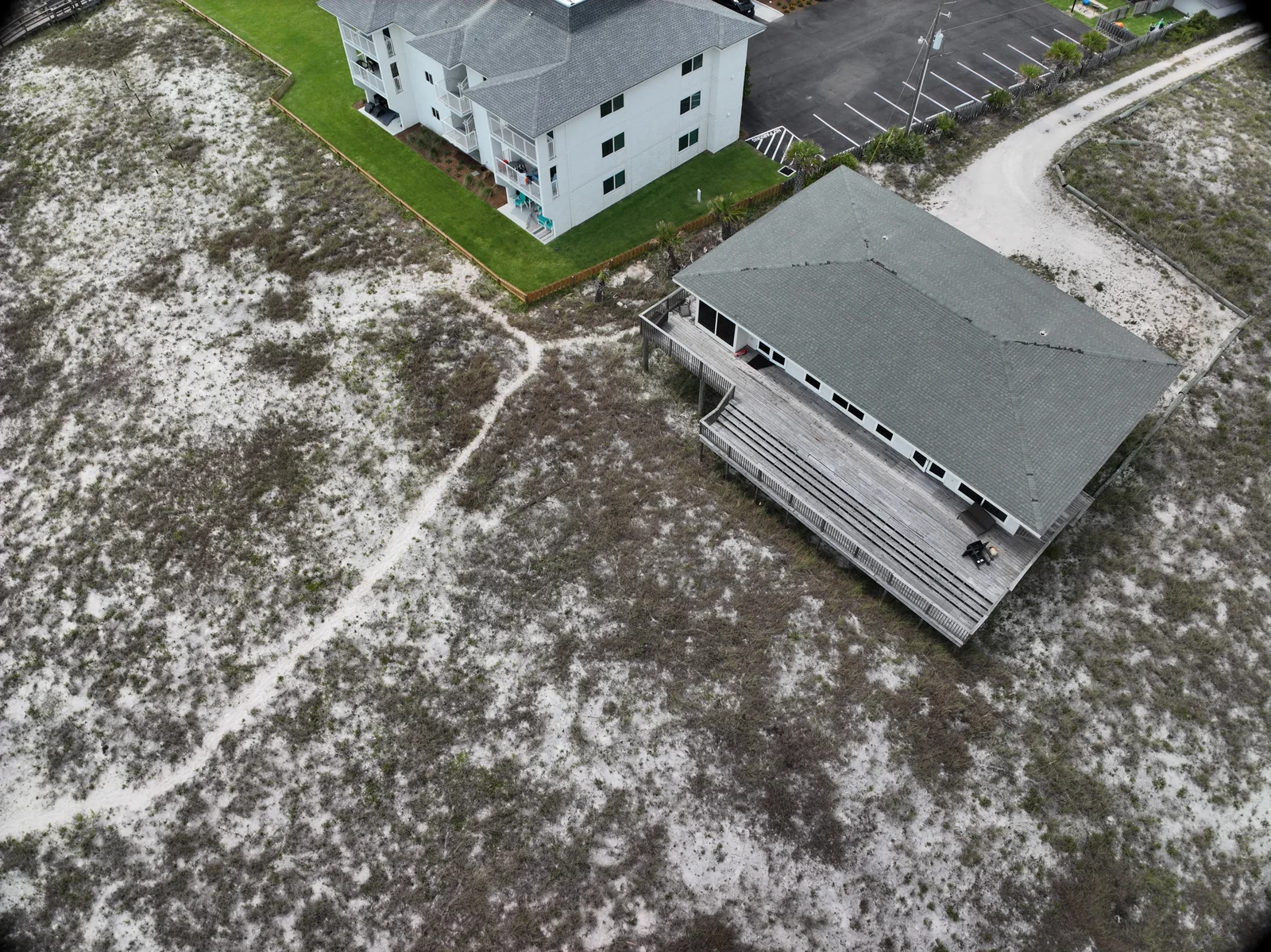
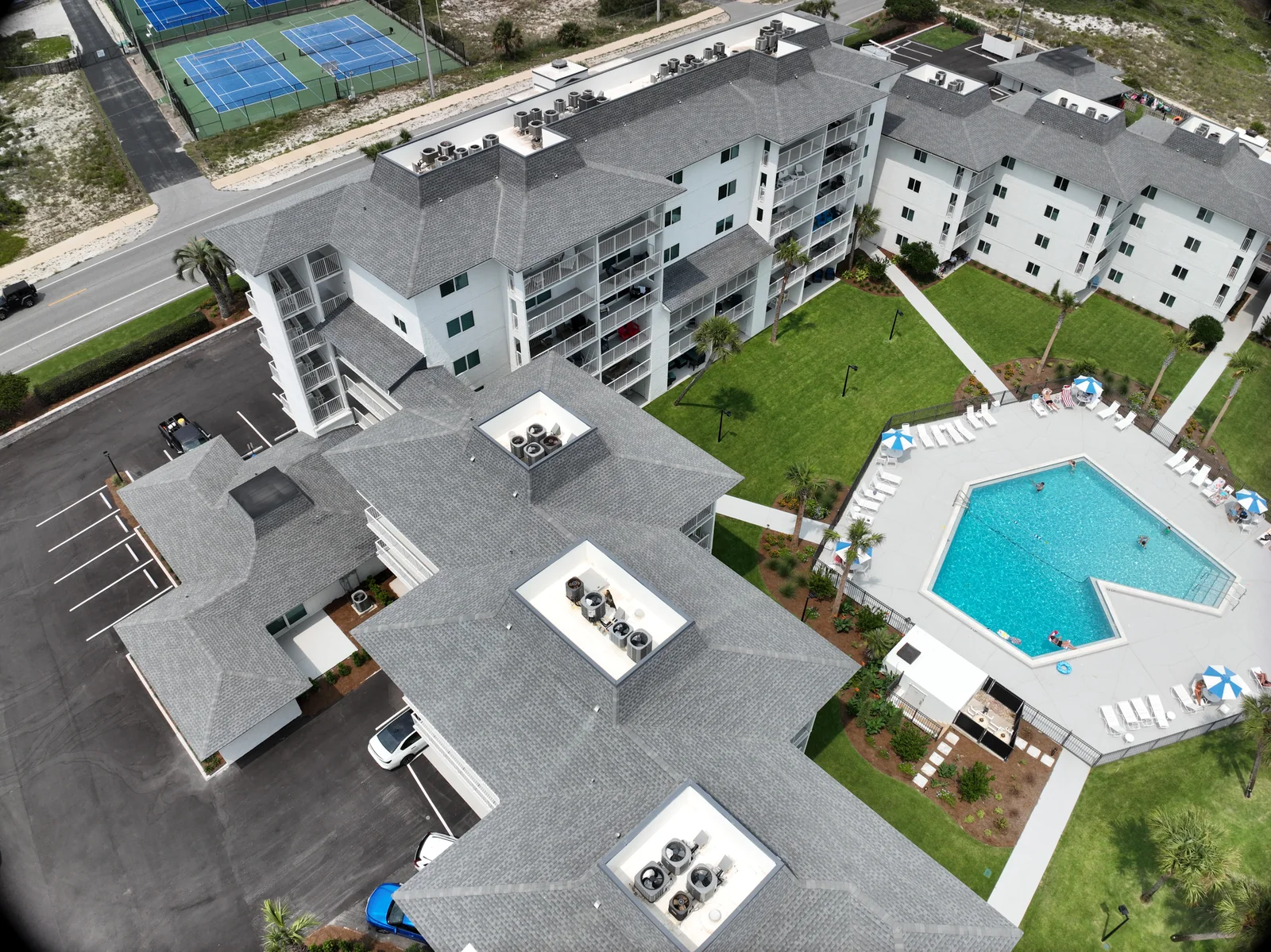
Angled property capture from the original Fly Maxwell image collection
REAL CAPTURE / THE STARTING POINT FOR THE WORKFLOW
  1. 01

    Define

    The question and the intended use

  2. 02

    Capture

    Suitable coverage and conditions

  3. 03

    Process

    A method matched to the output

  4. 04

    Review

    Check the result against the purpose

  5. 05

    Deliver

    Files the recipient can use

Software workflow / 5 MIN READ

Where Polycam fits in a 3D project

Polycam is part of the Fly Maxwell workflow for reconstructing photographed properties as explorable 3D scenes. Connect the building and its surroundings, then choose the model type and handoff around the way your team will use the result.

Read the guide

EXPLORE THE PROCESS

A photograph.
A point. A place.

Change the layer to explore how a collection of photographs can become a three-dimensional representation.

EDUCATIONAL DIAGRAM / NOT A CLIENT MODEL

CAPTURE / OVERLAPPING VIEWS

Give the software shared features.

Photographs from different positions show the same physical features. Coverage, focus, lighting and overlap shape what the reconstruction can use.

This simplified illustration explains the stages. A finished model needs suitable source capture, processing, quality review and an agreed purpose. A textured surface alone does not establish measurement accuracy.

Explore the full 3D workflow

Choose the result
before the file extension.

A visualization, a measurement record and a presentation can come from related data while needing different capture and review. Explain what your team will do with the files so the project can be scoped around that purpose.

Explore the learning library Build a data-project brief
Plan your project ↗