
01 / Automation
What is being automated?
A waypoint mission defines a sequence of planned positions and capture actions. A mapping grid organizes repeated coverage over an area. These ideas can help reduce variation between visits and make systematic capture easier to manage. DJI’s construction progress guidance describes routine map missions and waypoint-based site video as examples of recurring documentation workflows.
The useful feature is consistency, not the absence of a person. A client might want the same set of views at several milestones so a project manager can explain what changed. A pilot still needs a suitable plan, workable conditions, the correct capture settings and a way to recognize when the saved route no longer fits the site. A completed route does not by itself mean a completed deliverable.
02 / Automation
A programmed route is not permission to leave
The visual-line-of-sight requirements in Part 107 do not disappear because a route is programmed. The applicable operating rules and any specific authorizations still govern the mission. Advanced or remotely managed operations require their own evaluation; an app feature should not be confused with approval to conduct a particular operation.
For a client, ask who is responsible for the operation and what oversight the plan requires. For a pilot, decide how a route will be paused, changed or terminated when circumstances require it. The value of automation is that it can free attention from repetitive control inputs, not that it eliminates the need to watch the operation or understand the surroundings.
Source: Electronic Code of Federal Regulations: 14 CFR 107.31: Visual line of sight
03 / Automation
The same coordinates can describe a different site
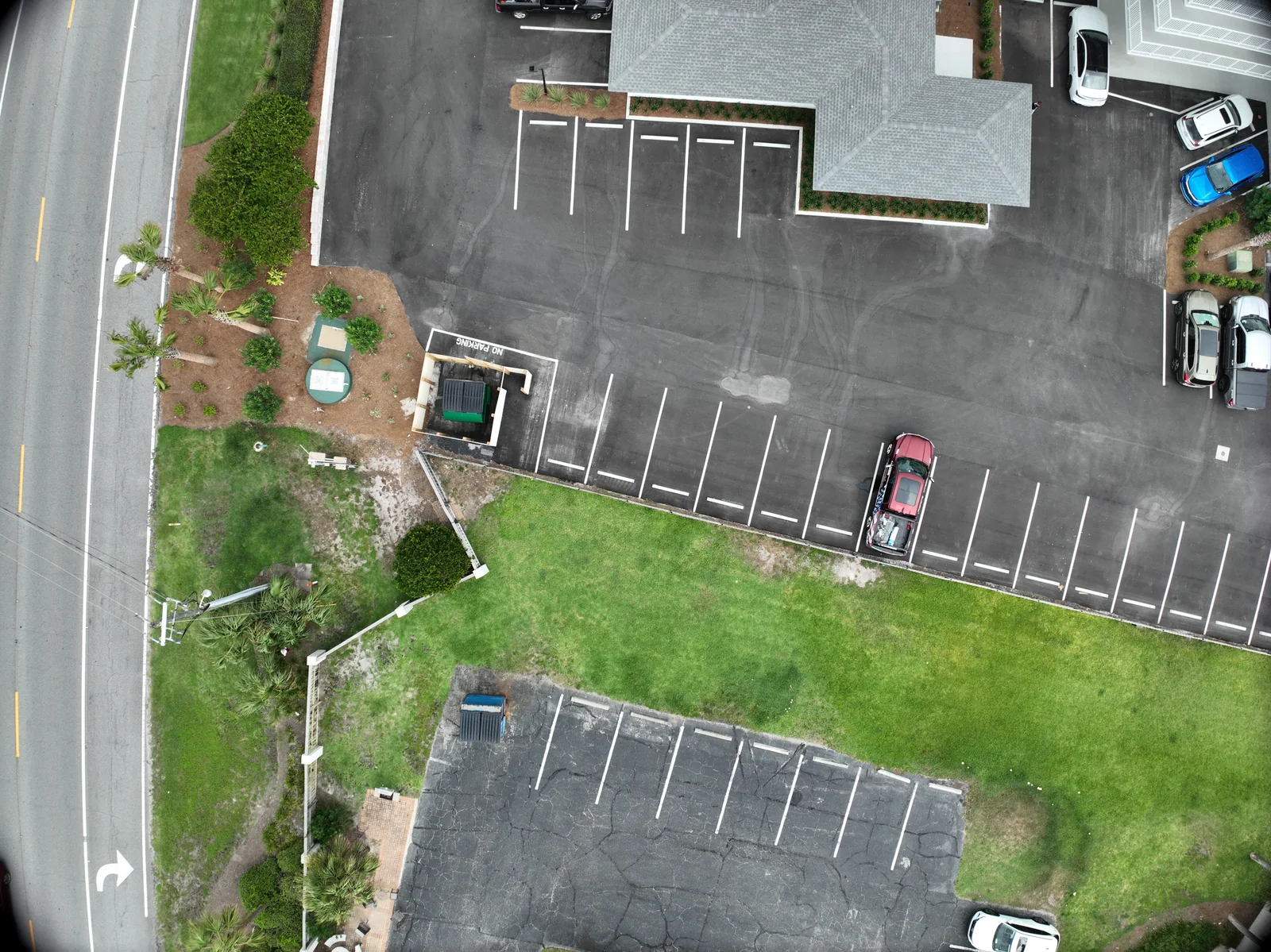
Consider a construction project photographed monthly. Since the last visit, a crane has moved, a new structure has risen and the work area has expanded. The saved path may be geographically identical, yet its relationship to obstacles and activity has changed. Treat each visit as a new mission with a prior plan, rather than a replay that needs no thought.
Maintain a short change log with the site contact. Record new equipment, traffic patterns, work restrictions and areas that cannot be captured. If a view must move, keep the old view identifier and explain the change. A comparison that acknowledges a different camera position is more trustworthy than one that hides it to preserve a seamless visual effect.
04 / Automation
Design recurring visits around the comparison
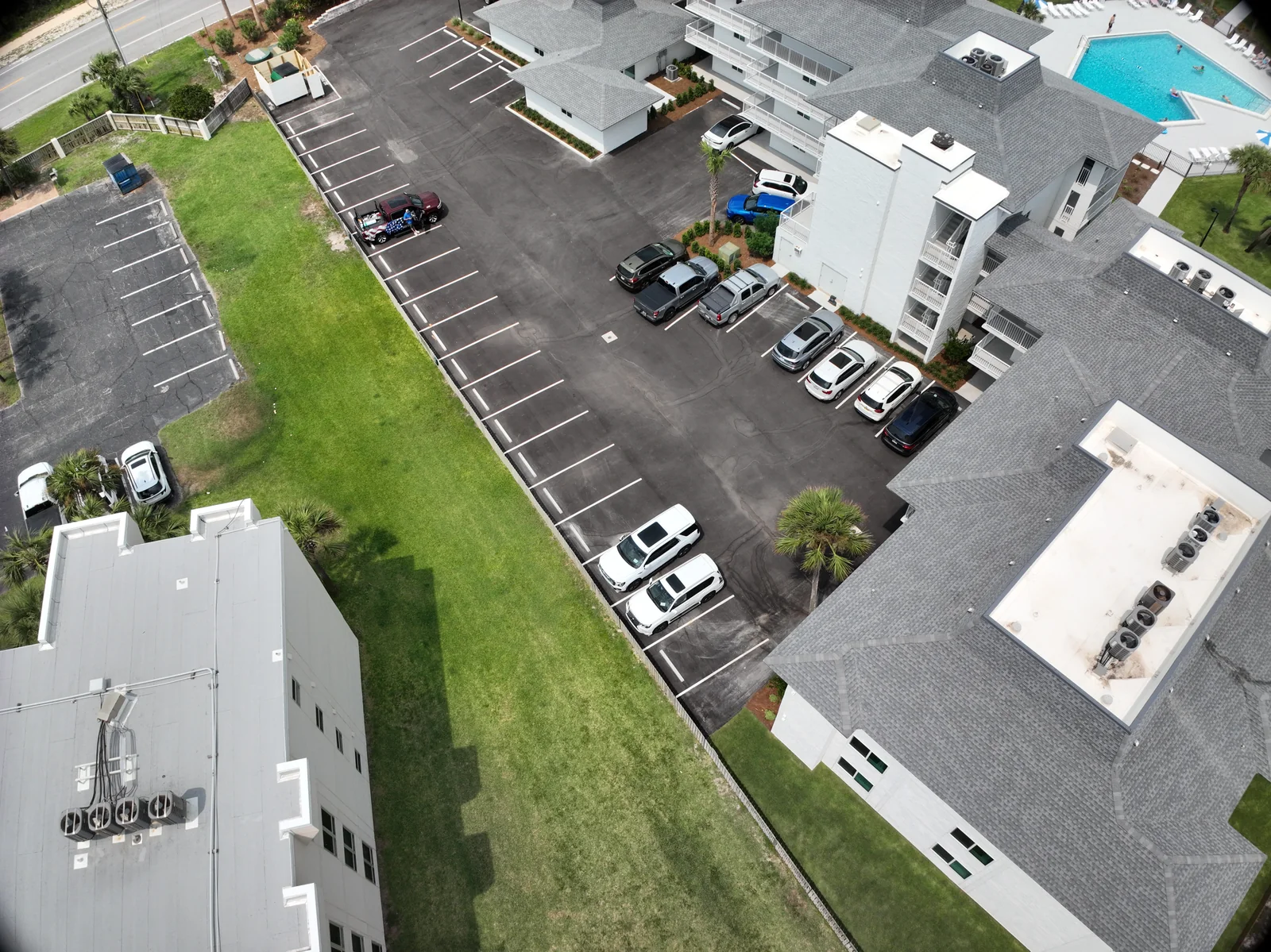
The first capture establishes the structure of the record. Name the viewpoints and specify the purpose of each: a site overview, an access route, a particular roof area or a stage of work. Agree on the cadence that matches the decision. A frequent visit is useful when the result will be reviewed; an unreviewed archive can become a growing pile of files.
Decide which variables need to stay reasonably consistent and which need to be recorded. View direction, framing and naming can help people compare. Lighting, weather, changing surface conditions and the actual work on site may change the appearance. For thermal comparisons, capture conditions and analysis settings deserve particular attention. A different-looking image is evidence to examine, not automatic proof of a new defect or completed task.
05 / Automation
Keep a human-readable workflow around the route
A recurring program works better when every visit follows the same information sequence: confirm the objective, review changed conditions, verify capture coverage, process the agreed outputs, check the delivery and record limitations. A short checklist can preserve consistency without turning the operation into an inflexible routine.
Separate the route file from the project record. The route helps collect data. The record explains what happened: when capture occurred, which views were completed, what changed and what the files support. This distinction matters when another person joins the project months later. They should be able to understand the history without reverse-engineering a flight application.
- Before: review the current site and the purpose of this visit.
- During: check coverage and respond to actual conditions.
- After: compare the intended views with the captured views.
- At handoff: label dates, gaps and changes in framing.
- At review: decide what the next visit needs to answer.
06 / Automation
Turn consistency into a useful business habit
An owner updating stakeholders might use a monthly sheet with four named views and a short note beside each. A maintenance team might compare the same roof areas before and after work. A property marketer might revisit seasonal appearance from selected viewpoints. These examples are useful because the audience and the comparison are explicit.
Start with a small repeatable set that your team will actually use. Add complexity when a new decision requires it, such as a mapped layer or a more technical model. The strongest recurring program is not the one with the most automatic actions. It is the one that produces a clear, dependable record and still makes room for professional judgment when the real world changes.
VERIFY THE DETAILS / KEEP EXPLORING
Sources & further reading
Original explanation by Fly Maxwell. Technical and regulatory details are linked to the responsible organizations below. Product features, software plans and operating rules can change; check the current source when planning a project or a flight.
- Construction Progress Management DJI Enterprise · reviewed October 8, 2026
- 14 CFR 107.31: Visual line of sight Electronic Code of Federal Regulations · reviewed October 8, 2026
Manufacturer specifications describe the product under stated conditions. They are not a promise of project accuracy, flight duration, target detection or a particular outcome.