01 / THE VIEW WITH A PURPOSE
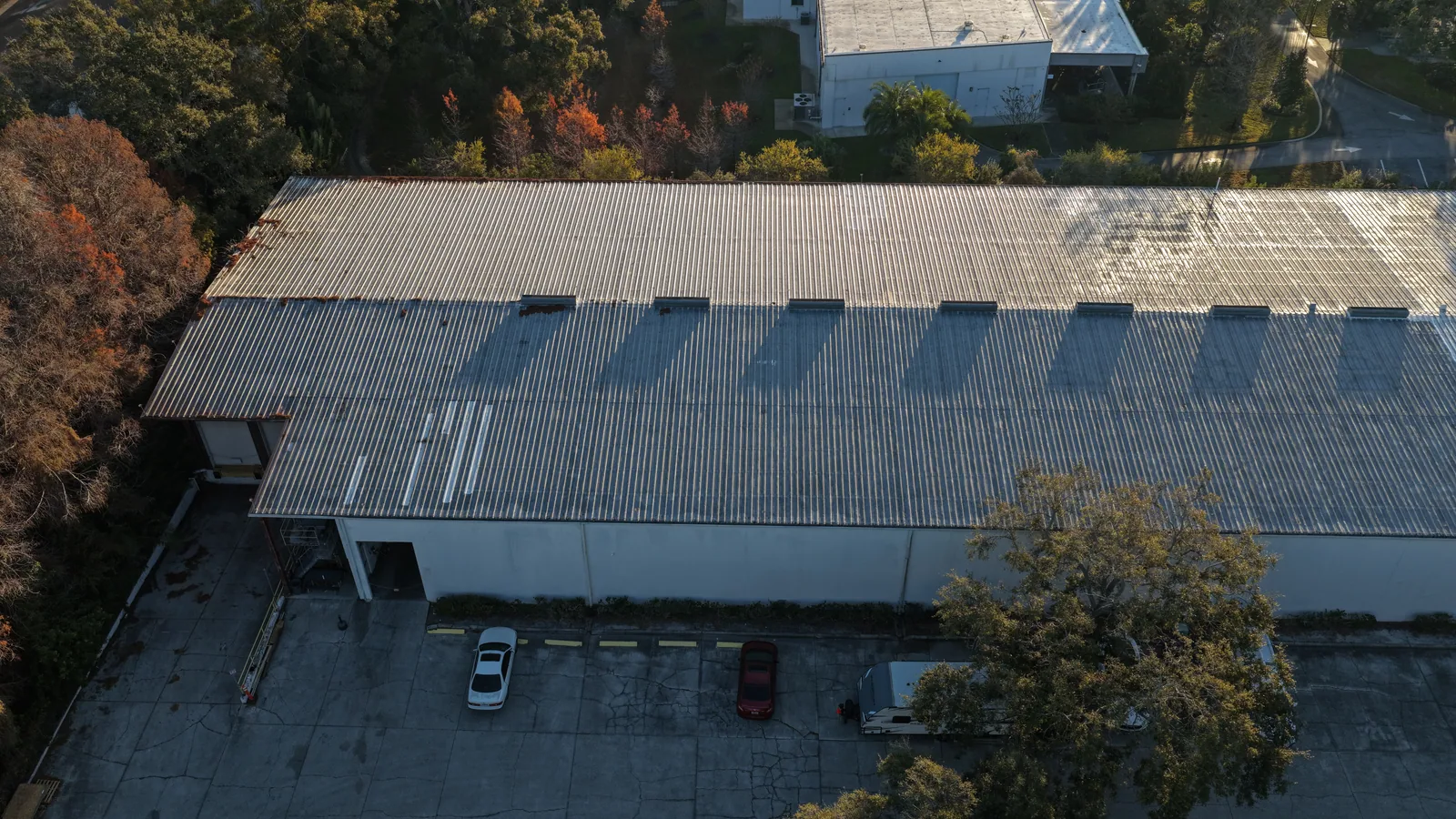
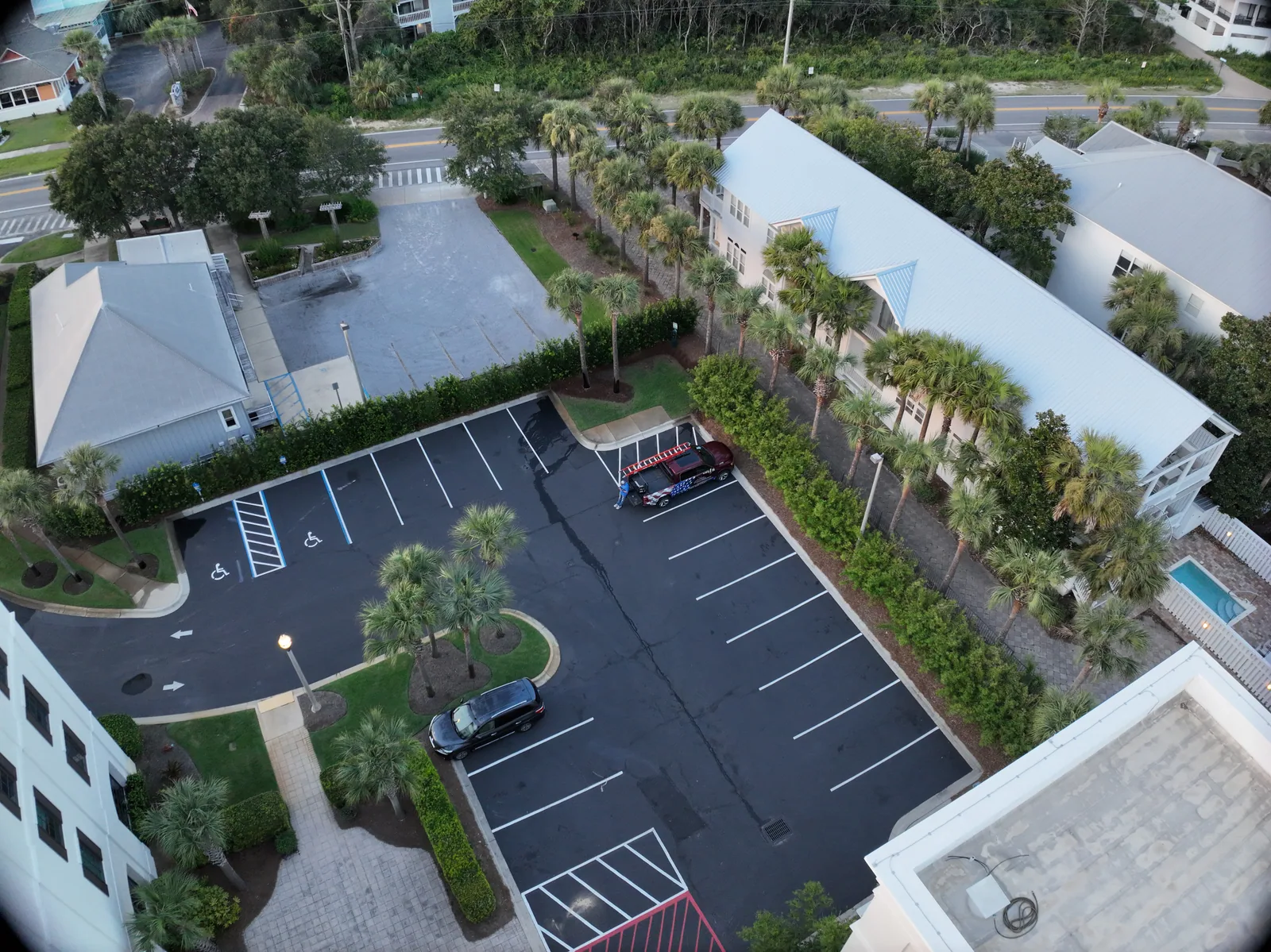
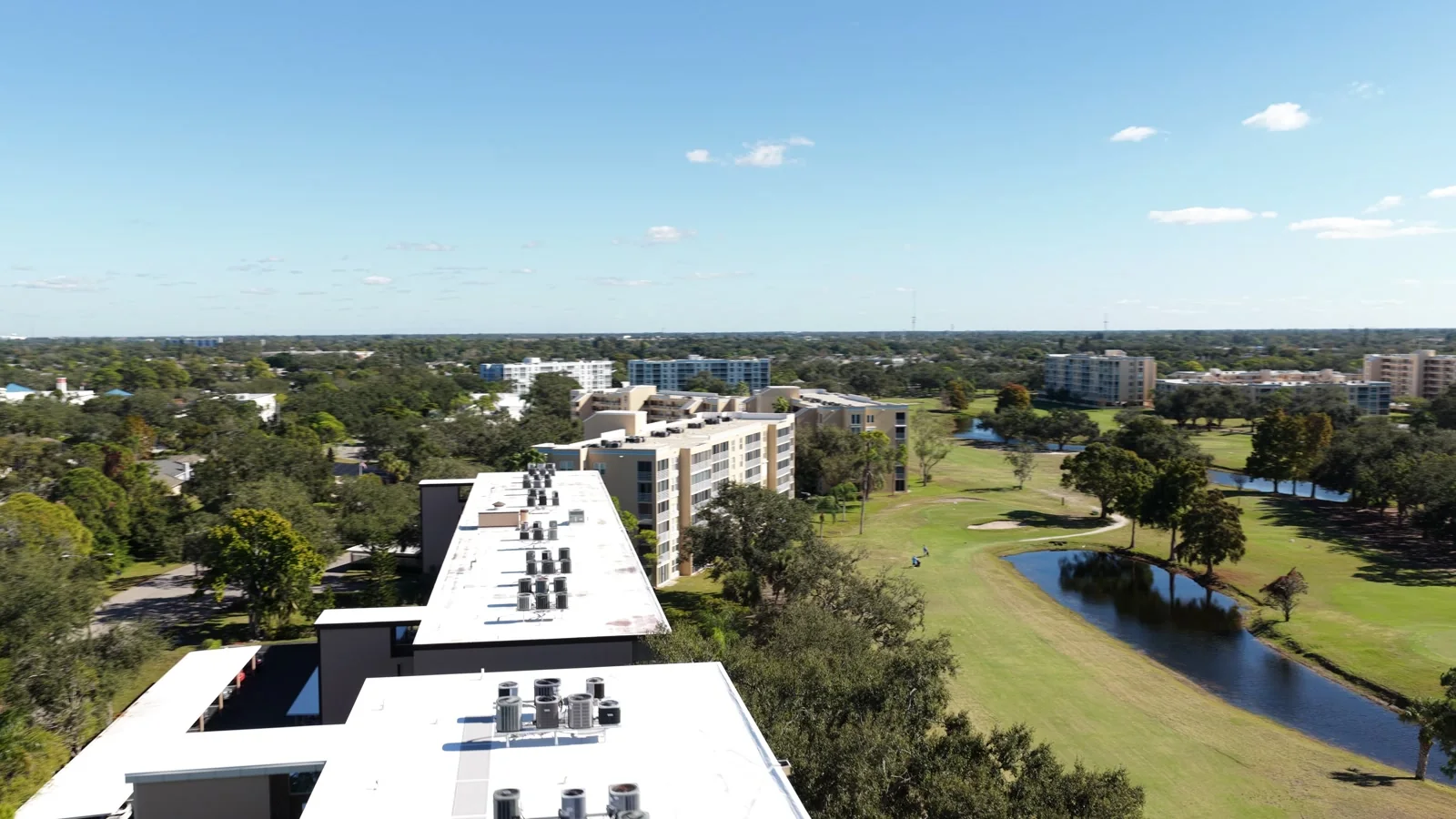
Establish the setting Start wide enough to connect the building, access and surrounding property. The overview gives each closer photograph a place in the record.
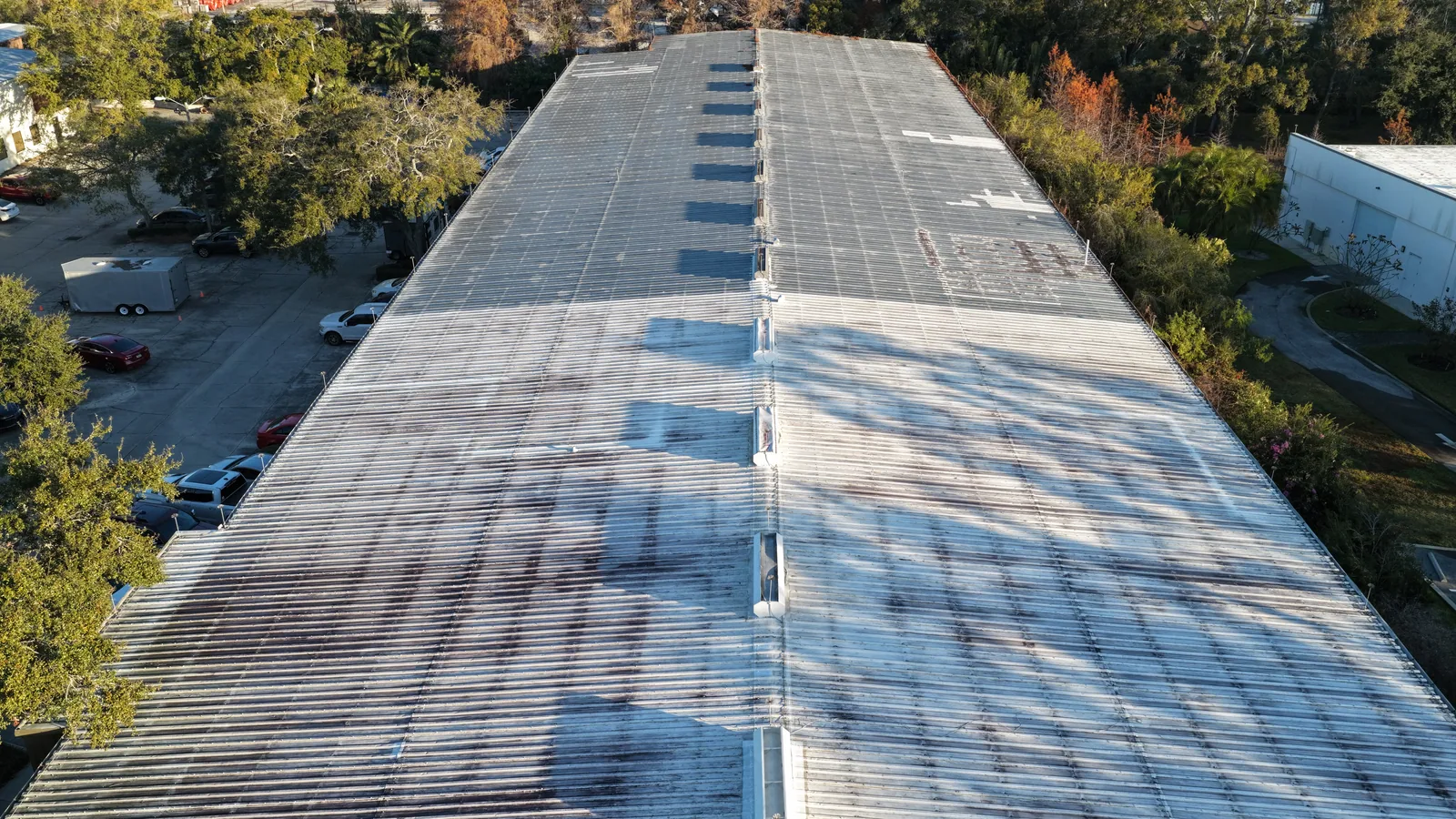
↗ A whole-building roof record An oblique view connects the metal roof, building and surrounding property.
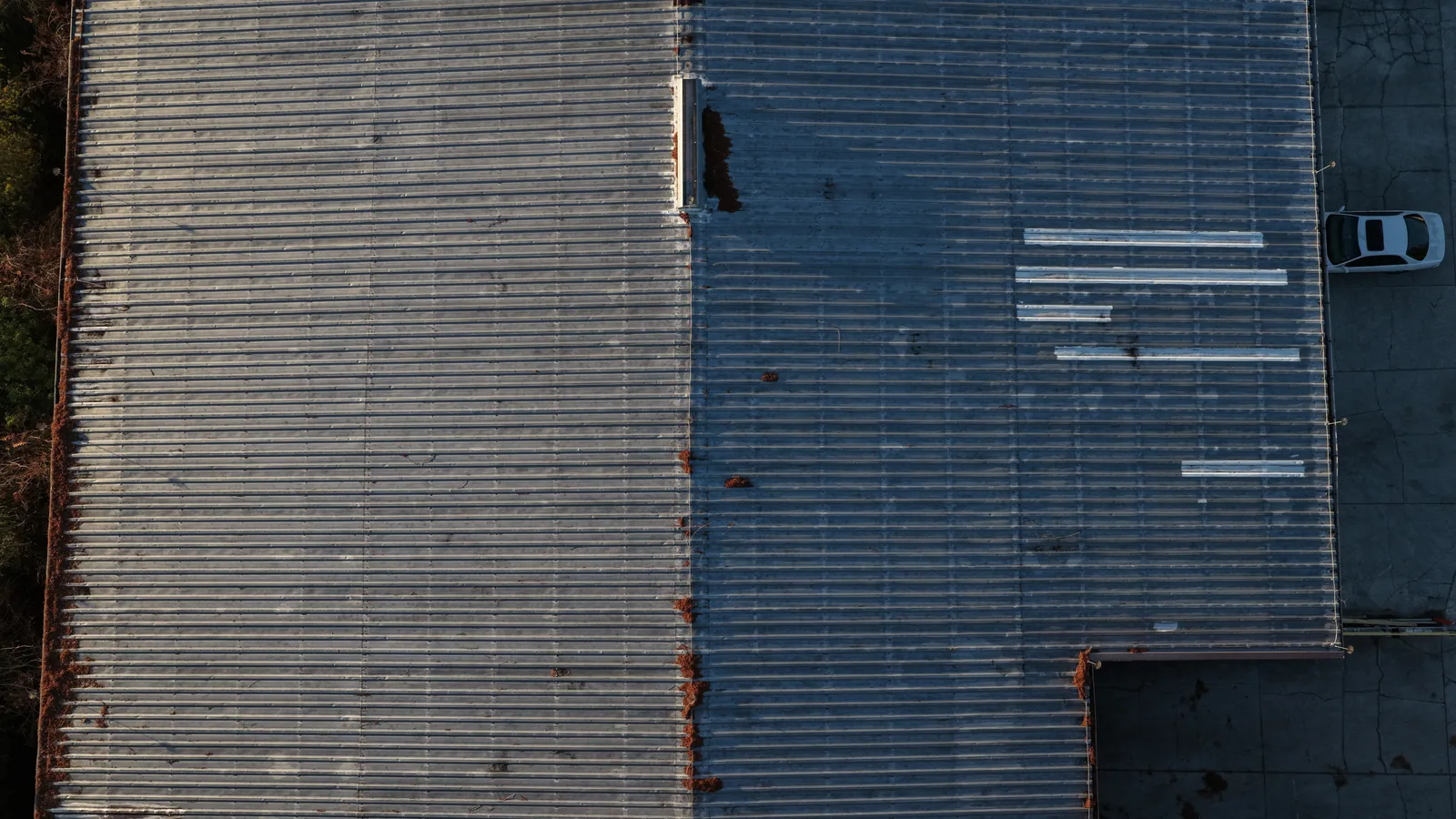
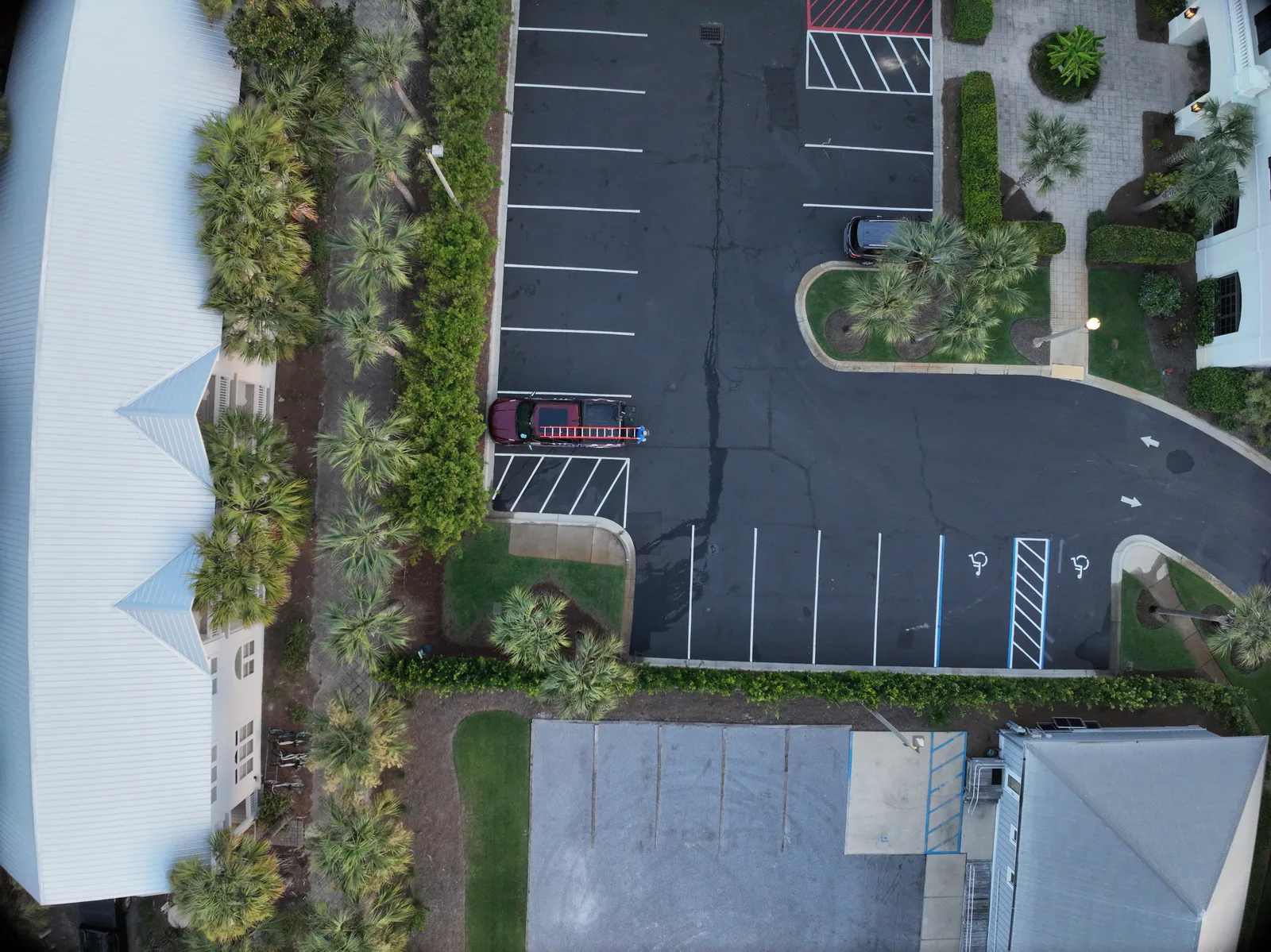
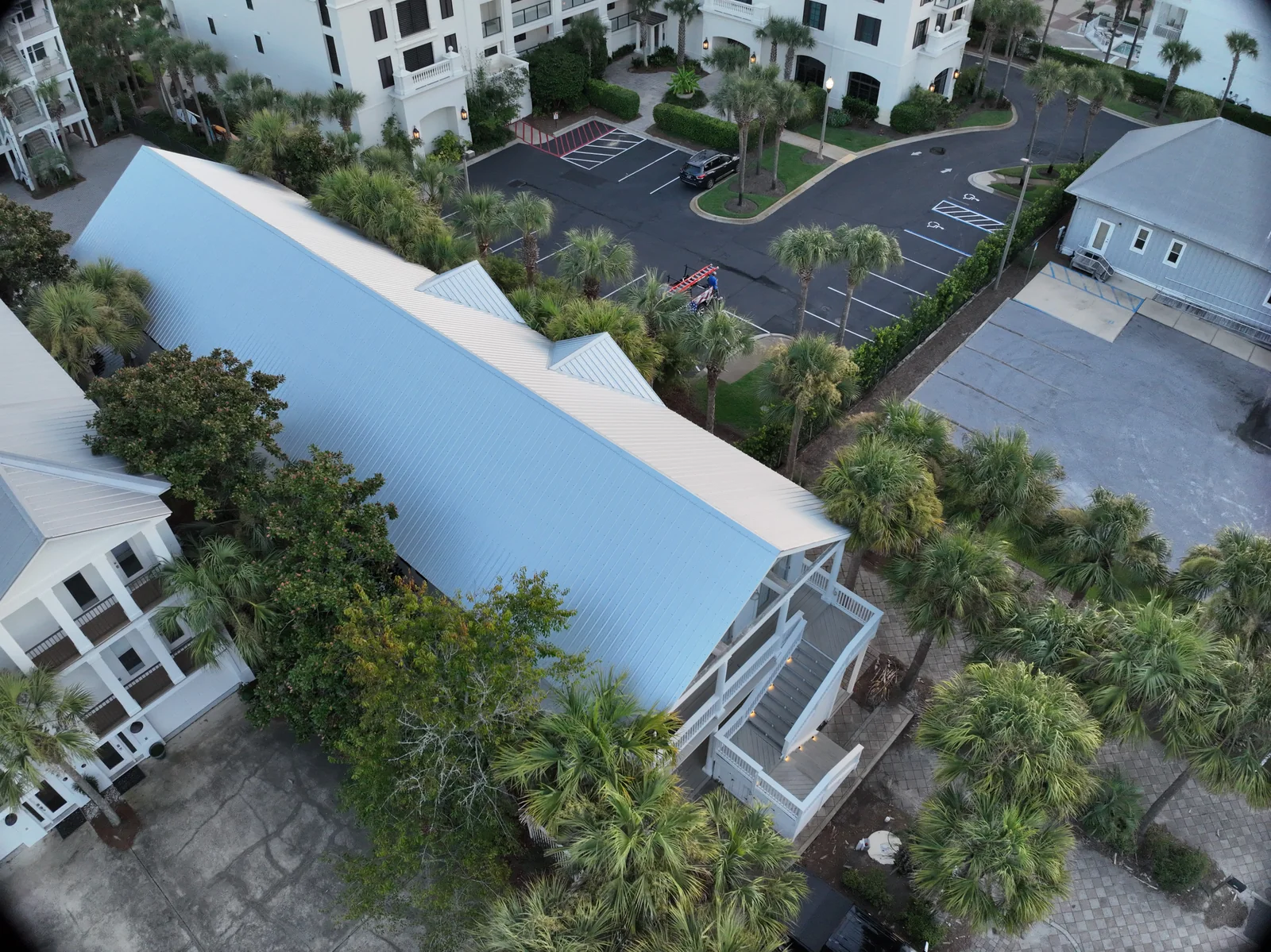
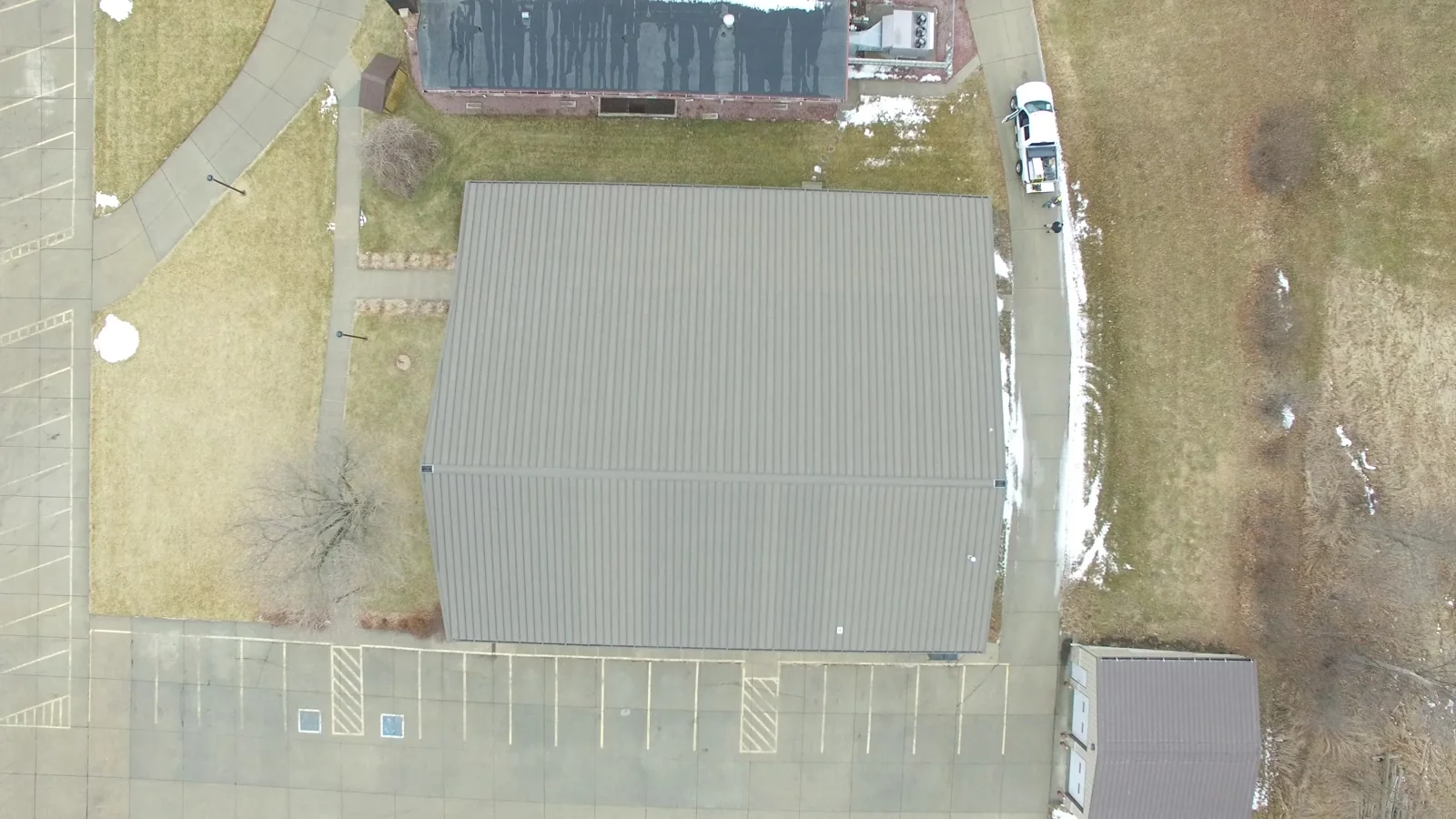
↗ Roof sections from above An overhead view shows the roof geometry and adjoining sections.
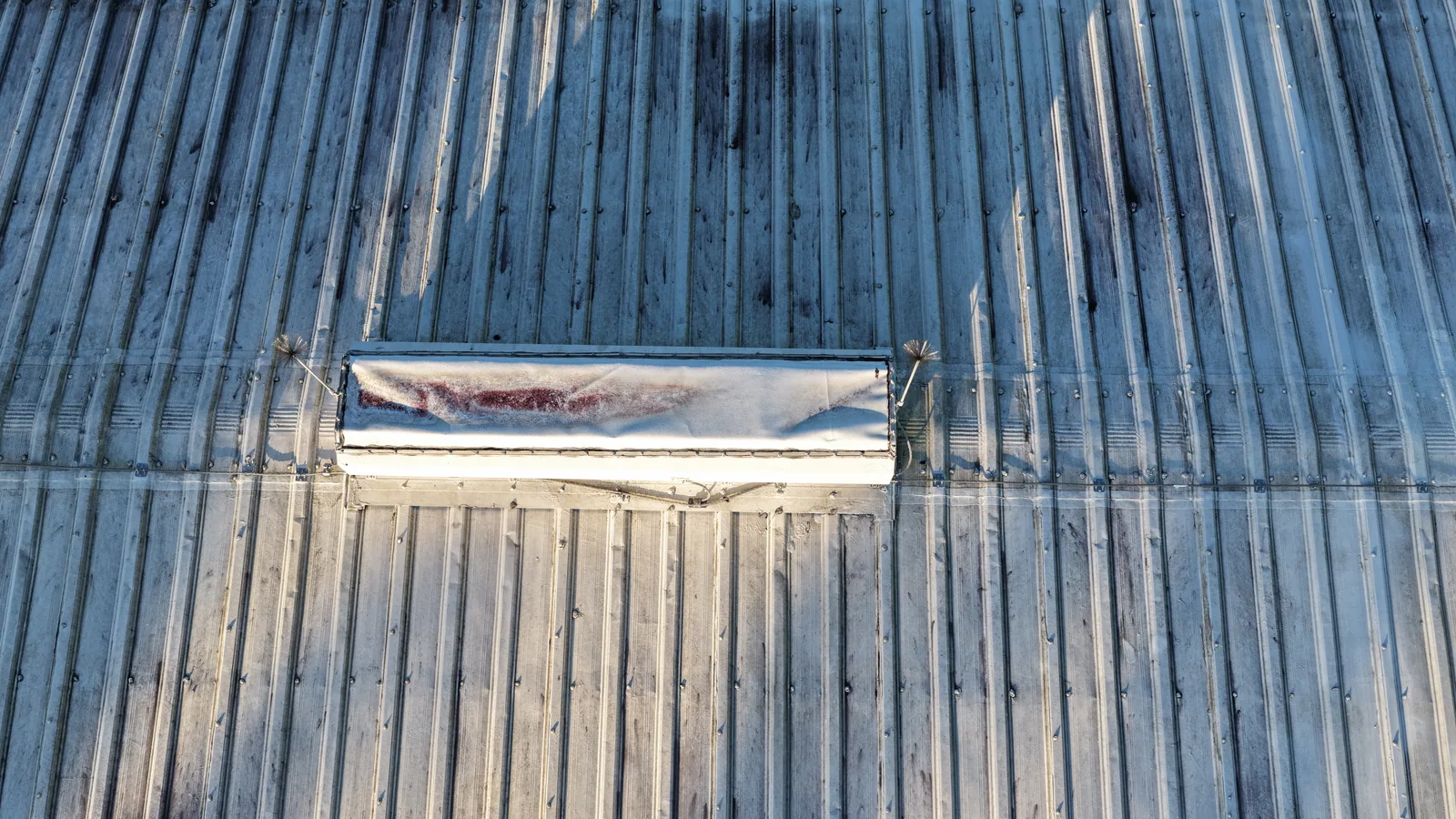
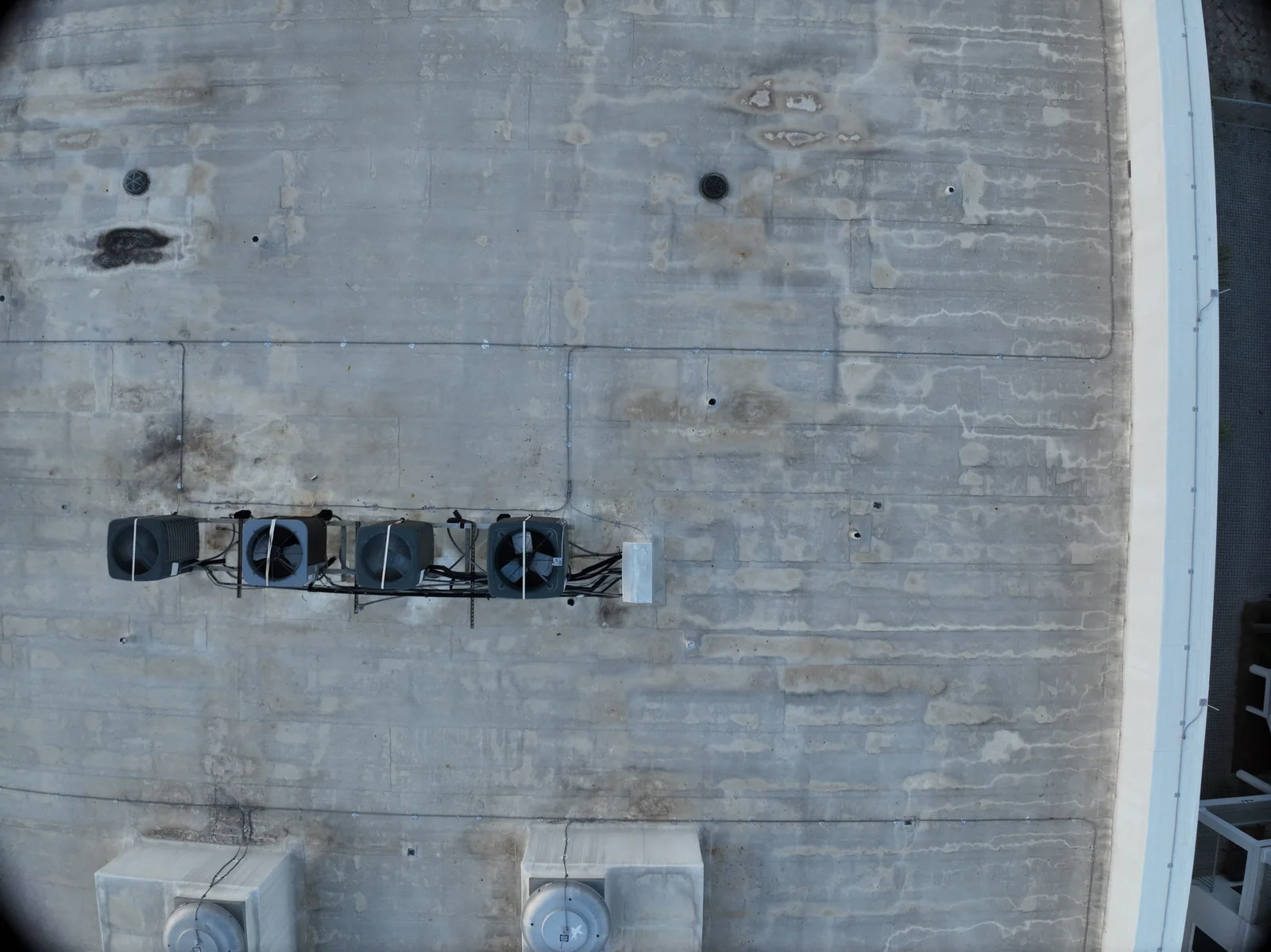
↗ A closer rooftop feature A detailed visible-light photograph of a raised rooftop feature and surrounding metal panels.
02 / THE VIEW WITH A PURPOSE
Work through the roof areas Change the angle to show roof geometry, rooftop equipment, edges and adjoining surfaces. Overhead and oblique views answer different questions.
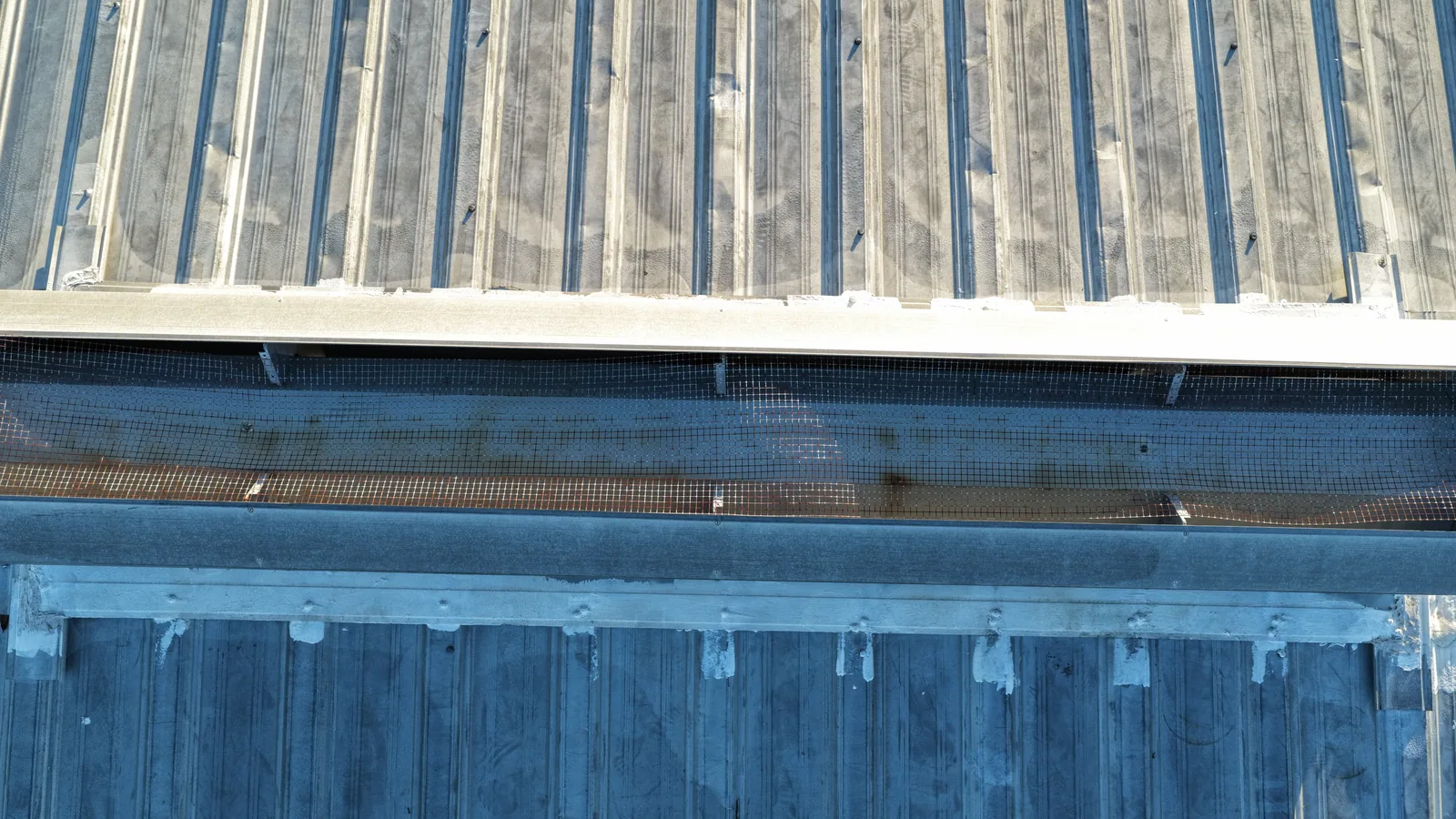
↗ The roof edge in context Roof panels, the edge and the adjoining building elevation in one closer view.
↗ Along the roof plane An oblique view follows metal roof panels, rooftop features and the surrounding trees.
↗ Building and access from overhead An overhead view puts a building, paths and parking in one visual record.
03 / THE VIEW WITH A PURPOSE
Make review easier Agree an image index, area labels and the detail views before capture. A clear sequence saves the next person from searching through an unorganized folder.
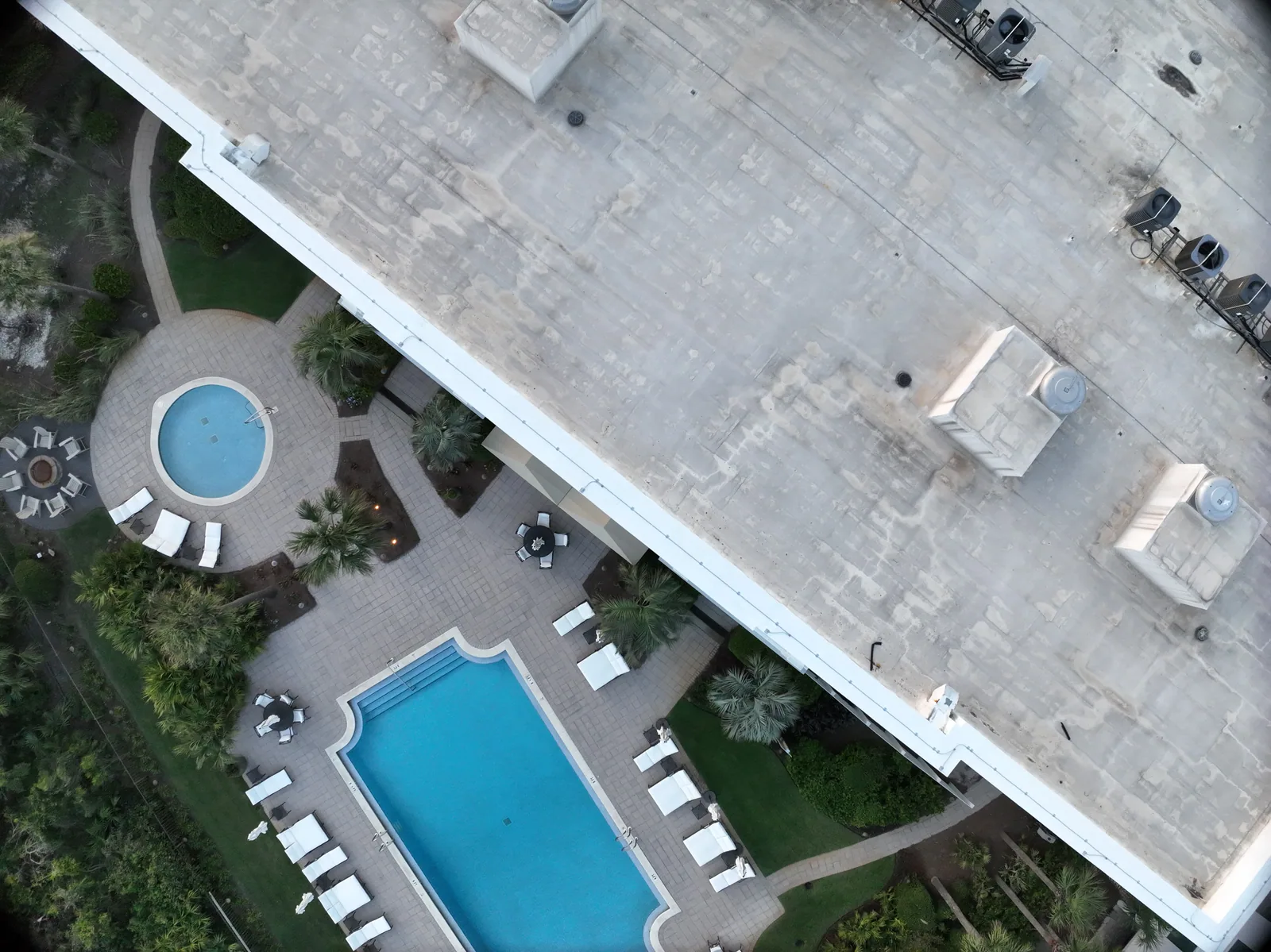
↗ Roof equipment and adjacent amenities An overhead photograph connects roof features with the pool and surrounding property.
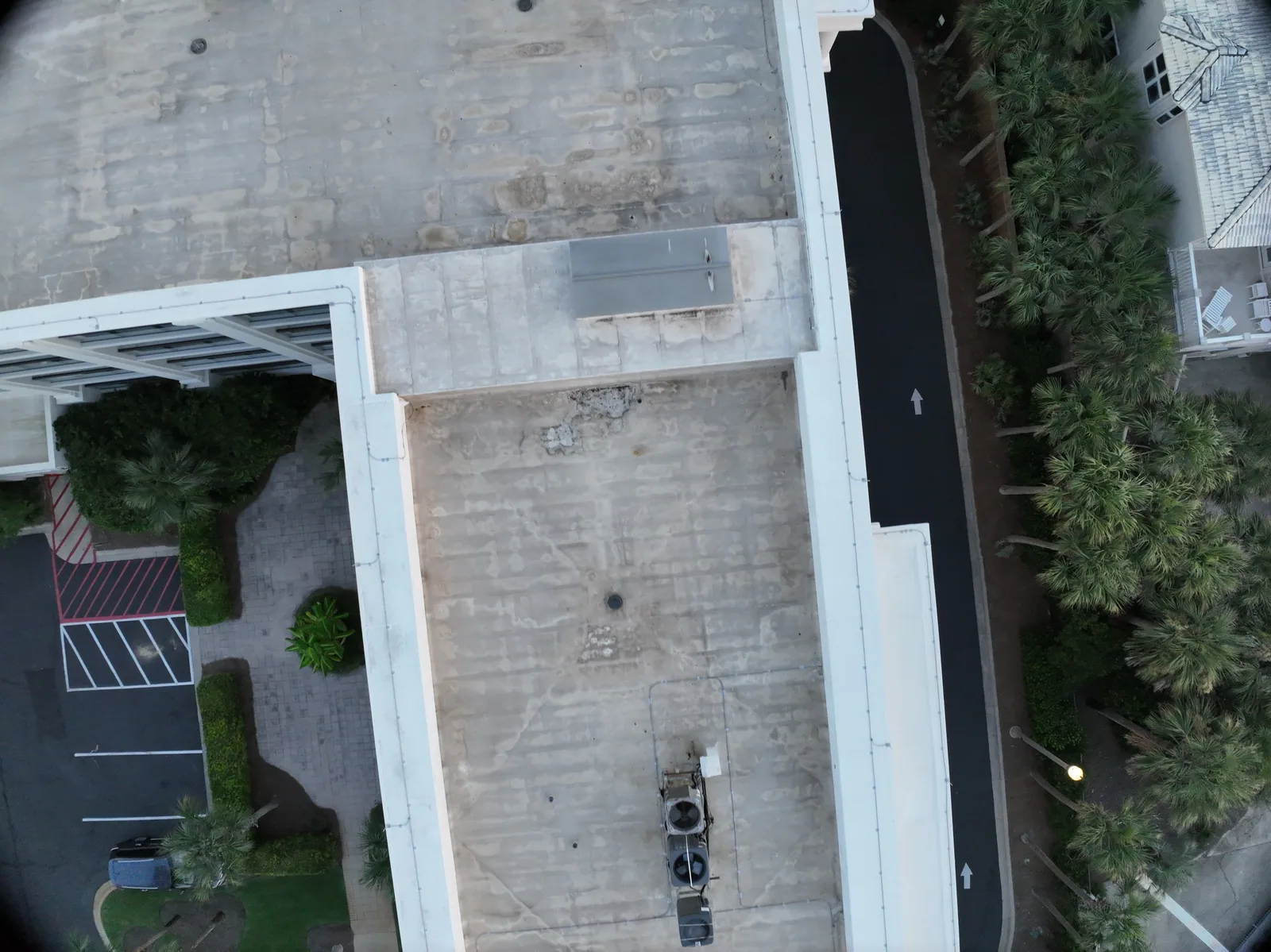
↗ Roof geometry at a closer scale An aerial view documents the roof shape, rooftop equipment and adjoining ground.
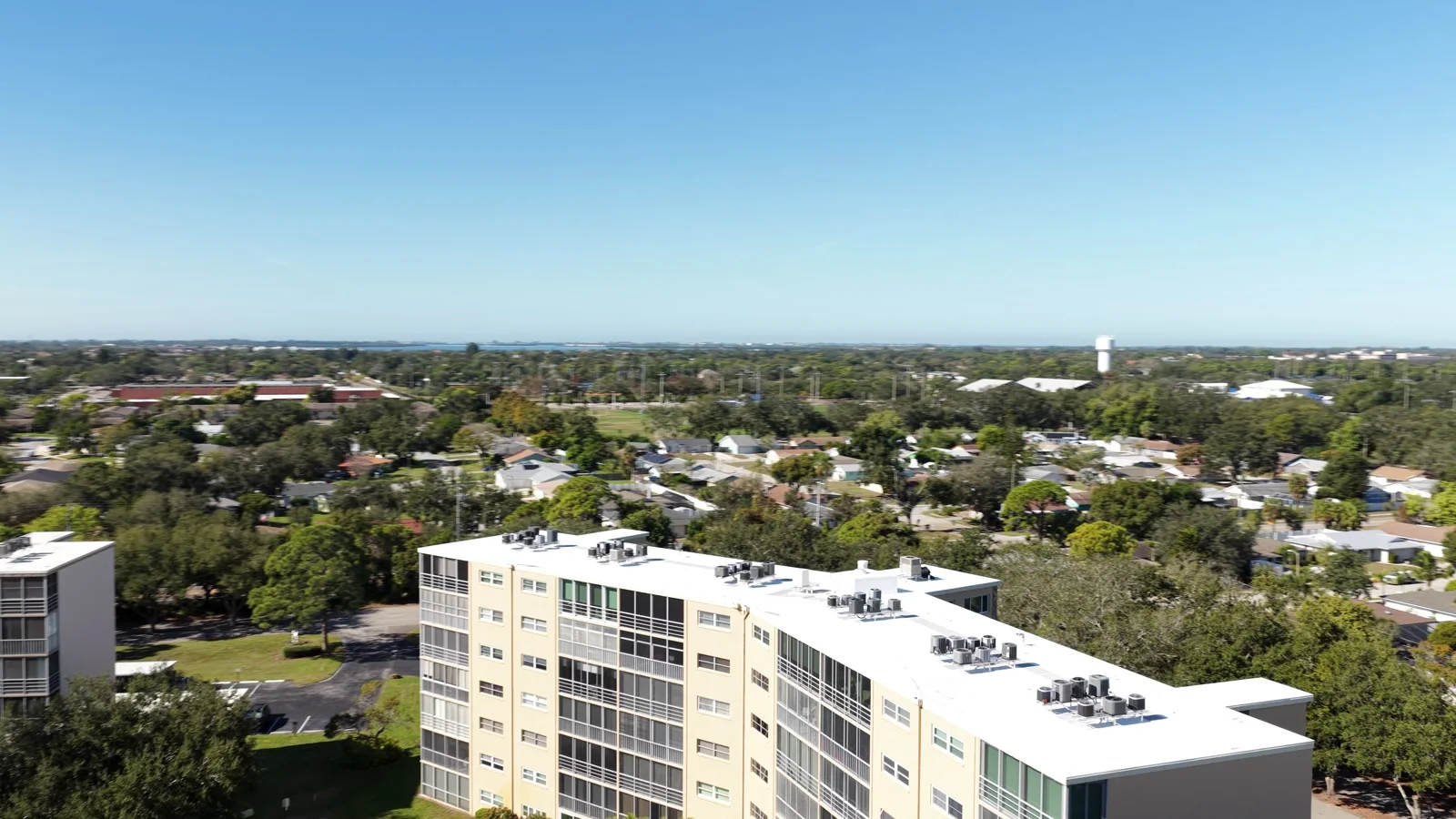
↗ Beyond the roof edge An oblique view connects roof surfaces, building elevations and the neighboring site.